
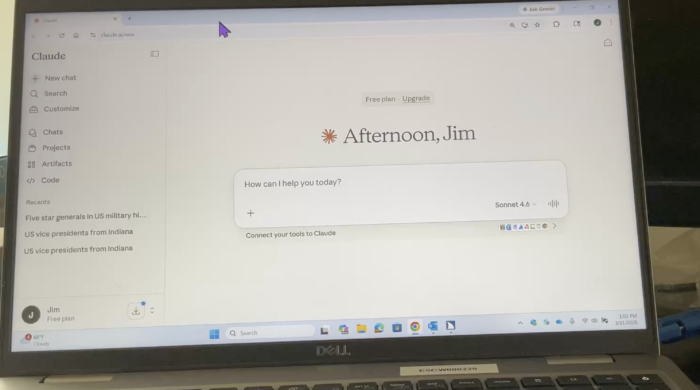
During this demonstration, Jim Rinehart, Assistive Technology Specialist, shows us how to use the JAWS screen reader to navigate and search Claude, an AI assistant by Anthropic. He demonstrates how people who are blind or have low vision can use screen-reading technology to access Claude’s features and interact with AI tools more accessibly.
Check it out here:
Click here to learn more about Claude AI.
Please follow and like us:


Jim’s walkthrough of Claude with JAWS is clear and patient—exactly what Monday tech tips should be. I tried the search shortcuts he demonstrated. For cleaning screenshots before sharing docs I also keep a lightweight tool to remove watermark from photo without uploading to random apps.
The demo shows how to navigate and search Claude with JAWS, but a quick note on which keyboard commands it uses would help readers follow along and try the same steps with their own setup.
For context, I’m affiliated with 高画質化.com.