

The best chore apps for children will help keep your family and home organized. While many kiddos dread doing chores, it is no secret that many will happily do them for an allowance. Keeping track of chores and allowances can be rather challenging at times. Fortunately, apps like GoHenry make it easy to keep track […]
Posts with the assistive technology tag

Monday Tech Tip: SMART Technologies Interactive Display
During the 2024 ATIA Conference, Colyn DeGraaff from SMART Technologies, showed us their interactive display used to increase student engagement. Check it out here: Click here to learn more about the SMART Technologies interactive display.

2024 ATIA Conference Tech Tips
The last week in January several members of our team attended the 2024 ATIA Conference in Orlando, Florida. This is a conference where people gather with vendors, practitioners, and people with disabilities to learn, network, and share the latest and greatest in the world of assistive technology. Our very own Brian Norton, VP of Adult […]

Headway Daily Book Summaries
Reading full books can be challenging for individuals with ADHD, dyslexia, and more. Fortunately, there are apps like Headway to help! Headway is the “#1 most-downloaded book summary app.” The app summarizes key ideas from the world’s nonfiction bestsellers so “you can get essential knowledge to crush your goals.” Here’s some information on the history […]

Monday Tech Tip: eSight
During the 2024 ATIA conference, Roland Mattern, Director of Sales, at eSight showed us the eSight 4, which is a wearable device that allows a user with low vision or blindness access to printed material. Check it out here: Click here to learn more about eSight.
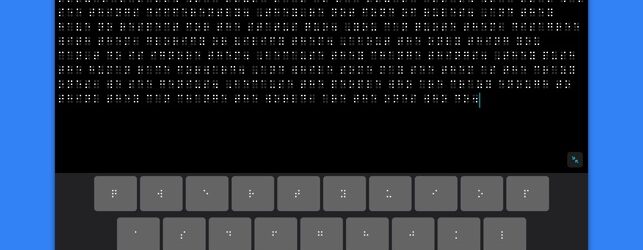
iOS 17 Accessibility Features: Vision
iPhones now account for more than 50 percent of smartphones sold in the United States. To remain inclusive of current and prospective users, Apple has introduced new accessibility features for the latest iPhone system, the iOS 17. These features and settings support vision, mobility, hearing, speech and cognitive needs. This first of five blogs will […]