
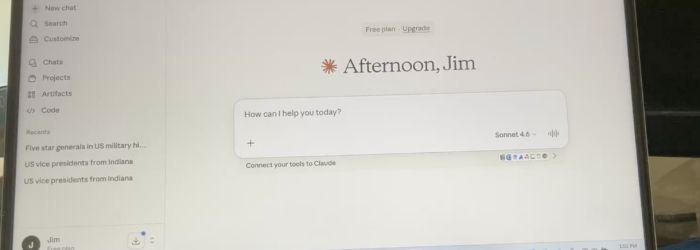
During this demonstration, Jim Rinehart, Assistive Technology Specialist, shows us how to use the JAWS screen reader to navigate and search Claude, an AI assistant by Anthropic. He demonstrates how people who are blind or have low vision can use screen-reading technology to access Claude’s features and interact with AI tools more accessibly. Check it […]
Posts with the Assistive Technology Specialist tag

Monday Tech Tip: Claude AI: How to search for saved projects
During this demonstration, Jim Rinehart, Assistive Technology Specialist, shows us how to search for and save projects in Claude. He walks through the process of finding projects and saving them for easier access later, helping users stay organized and make better use of Claude’s AI tools. The demonstration highlights how Claude’s project tools can help […]

Monday Tech Tip: How to Create Titles & Heading in Word using JAWS Screen Reader
Jim Rinehart, Assistive Technology Specialist, at Easterseals Crossroads shows us how to create titles and headings in a Word document using JAWS screenreader. Check it out here: Click here to learn more about JAWS.