
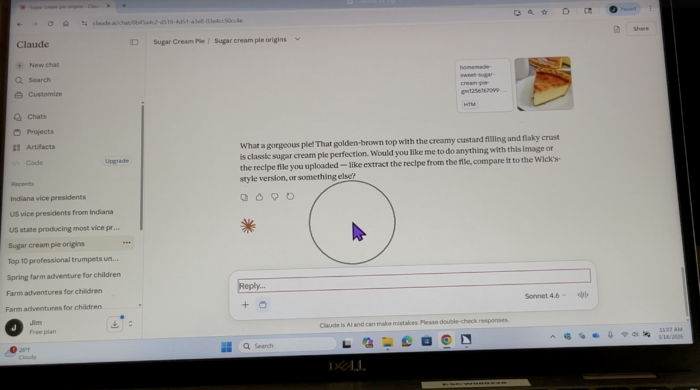
During this demonstration, Jim Rinehart, Assistive Technology Specialist, shows us how to search for and save projects in Claude. He walks through the process of finding projects and saving them for easier access later, helping users stay organized and make better use of Claude’s AI tools.
The demonstration highlights how Claude’s project tools can help users organize information, revisit previous work, and keep related conversations together.
Check it out here:
For more information, visit the official Claude Projects help guide.
Please follow and like us:


Thanks for the Claude demo on searching and saving projects. Showing how to keep related conversations together and revisit earlier work is helpful for users who want to stay organized. Jim’s step-by-step walkthrough style also pairs well with tools that turn a short video into a video to prompt for documenting such tutorials.